
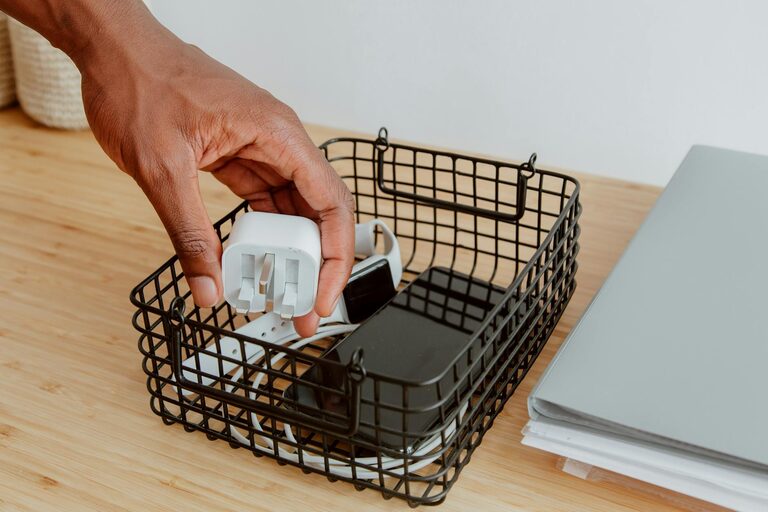
Keeping cables and chargers organized can save you time, reduce frustration, and help maintain a tidy space. Whether you have a home office, entertainment area, or just a drawer full of tangled cords, organizing these accessories is easier than you might think. In this post, we’ll explore effective methods and practical tips to neatly manage your cables and chargers.
Why Organize Cables and Chargers?
Before diving into solutions, it’s helpful to understand why organizing cables is important:
– Prevents damage: Tangled cables can fray or break.
– Saves time: You’ll easily find the cable or charger you need.
– Reduces clutter: A neat space improves focus and comfort.
– Increases safety: Avoid tripping hazards or electrical issues.
Getting Started: Gather and Sort
Begin the process by collecting all your cables, chargers, and accessories in one place. This helps you see exactly what you have and decide what to keep.
Sort Your Cables
Create categories such as:
– Phone chargers
– Laptop and tablet cables
– Audio and video cables (HDMI, aux)
– Power cords and adapters
– Extra or rarely used cables
Declutter
Check for duplicates, old cables no longer compatible with your devices, or damaged ones that should be discarded. Donate or recycle cables you don’t need.
Best Tools for Cable Organization
Using the right tools can make organizing easier and more effective.
– Cable ties: Reusable Velcro straps or zip ties keep cables bundled.
– Cable clips: Stick-on clips keep cables routed neatly on desks or walls.
– Cable boxes: Hide power strips and excess cable length inside a box.
– Labeling: Use labels or colored tags to identify cables quickly.
– Cord organizers: Tubes or sleeves gather multiple cables together.
– Drawer dividers: Keep cables sorted inside drawers.
Effective Cable Organization Techniques
1. Coil and Tie Each Cable
Start by loosely coiling each cable to prevent kinks. Use a Velcro strap or twist tie to hold it together. Avoid wrapping cables tightly around adapters as this can damage them.
2. Label Your Cables
Label both ends of your cables to easily identify them without unplugging. You can use ready-made cable labels, masking tape with a marker, or color-coded stickers.
3. Use Cable Clips and Hooks
Attach adhesive cable clips along the edge of your desk or the wall behind devices. This keeps cables from falling or tangling when plugged in.
4. Hide Excess Cable Length
Coil extra cable length and secure it with a Velcro tie. Hide these coils inside cable management boxes or under your desk with a cable tray.
5. Store Spare Cables Separately
Use small zippered bags, pouches, or a drawer divided by compartments to keep unused or backup cables tidy and accessible.
Organizing Chargers
Chargers often include bulky power bricks and multiple cables. Here’s how to handle them neatly:
– Use a charging station: These multi-port stands charge several devices in one place and reduce cable mess.
– Mount power strips: Fix power strips under desks or on walls to keep plugs off the floor.
– Wrap charger cables: Coil the cables and secure them with ties to prevent tangling.
– Label chargers: If you have similar chargers for different devices, labels help avoid confusion.
Cable Management for Specific Spaces
Home Office
– Route cables behind the desk using cable channels or trays.
– Keep frequently used cables within reach with cable clips.
– Use a drawer organizer for spare cables and accessories.
Living Room/Entertainment Center
– Bundle audio/video cables together with sleeves.
– Use cable covers or raceways to hide wires along the baseboards.
– Store remote controls and smaller accessories with chargers in designated baskets.
Travel and Portable Use
– Use a compact cable organizer case with multiple compartments.
– Wrap cables neatly in loops and secure with ties for portability.
– Label each section based on device type.
Maintenance Tips
A one-time organization is great, but keeping cables neat over time requires simple habits.
– Periodically check and declutter cables.
– Always coil cables before storing or packing.
– Replace damaged cables promptly.
– Avoid pulling cables forcefully to increase their lifespan.
Final Thoughts
Organizing cables and chargers may seem tedious, but with these easy steps and the right tools, your cords can stay neat and manageable. A clutter-free space not only looks better but also helps protect your devices and saves you time. Start small, stay consistent, and enjoy the benefits of a tidy, well-organized tech setup.
—
Feel free to share your favorite cable organization tricks in the comments below!
